
SEPOLIA TEST NETWORK / NO REAL VALUE
Diamond Wallet Testnet Community
A controlled Android community for testing Ethereum settlement and device-to-device NFC payment journeys before production use.
- Release
- 1.0.2
- Network
- Ethereum Sepolia
- Android
- 8.0 and newer
SHA-256 25f69fe17bf28abf654e0c9a24022391201437fd0f6eeaed4a3fa8f16b902433
TEST. OBSERVE. IMPROVE.
A focused place for field feedback
Install the current signed build, run controlled NFC transfers between supported Android devices, and report clear reproduction steps through the community contact channel.
GET STARTED
Testnet user instructions
Use two NFC and HCE-capable Android devices for the complete payment journey.
-
01
Install the signed APK
Download version 1.0.2 on each test device. Android may ask you to allow installation from your browser or file manager.
Download the APK -
02
Create or import a test wallet
Open Wallet Settings, create a Sepolia wallet or import a test-only recovery phrase, and securely retain the phrase. Never reuse a production recovery phrase.
-
03
Add Sepolia test ETH
Copy the wallet address from Settings and use a reputable Sepolia faucet. Test ETH has no real-world monetary value.
Open the Google Cloud faucet -
04
Run an NFC transfer
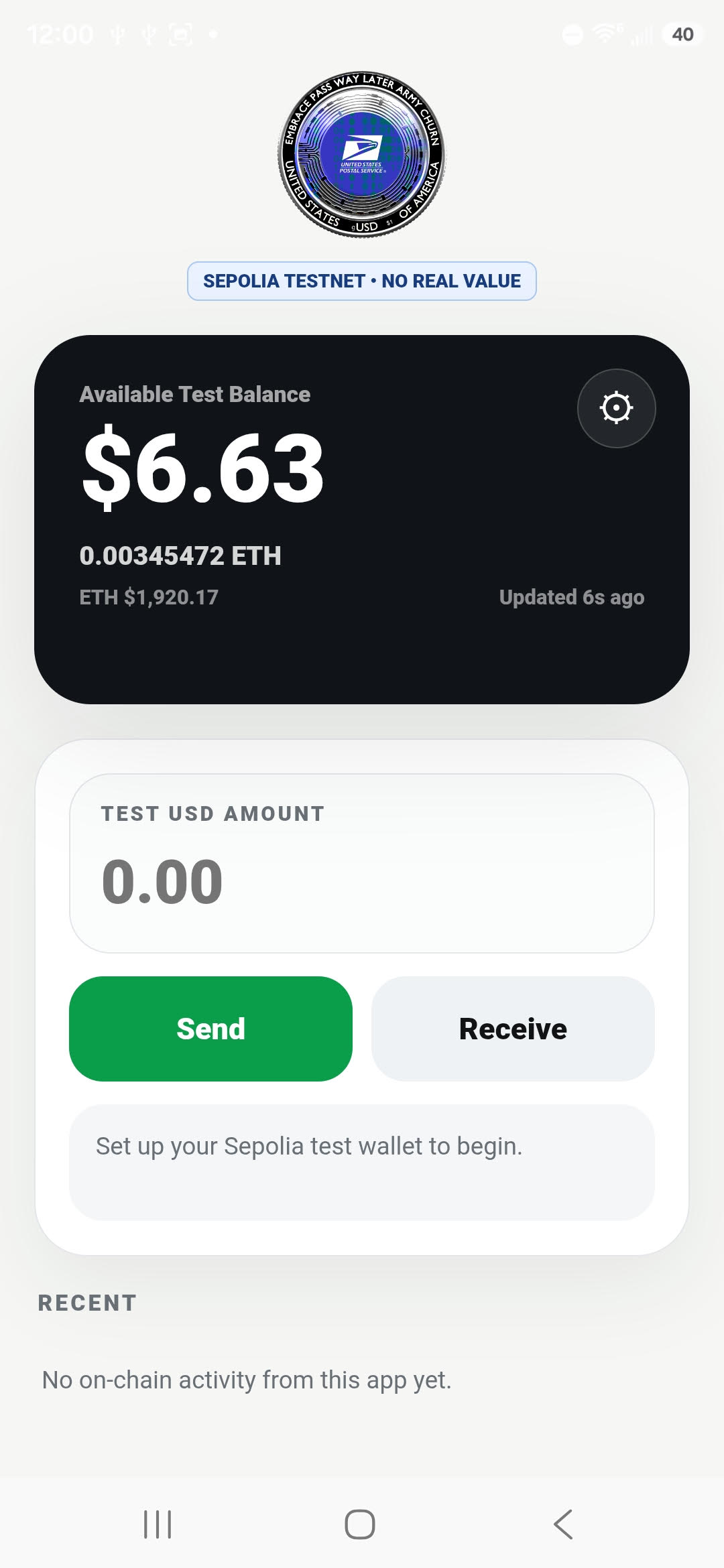
Choose Receive on one device. Enter a test USD amount and choose Send on the other. Hold the devices together until the NFC request and acknowledgement complete.
-
05
Follow settlement
The sender and receiver histories move from Transaction Sent to Transaction Settled after the Sepolia receipts are verified. Keep both devices online during settlement.
COMMUNITY SUPPORT
Contact the test team
Send a focused report with the device model, Android version, and steps that produced the issue. Messages are delivered to the community administrator.